Digital Safety & Awareness
Safe Online Networking: Recognising Manipulation and Protecting Personal Data
A practical checklist for personal data, suspicious requests, platform privacy controls and ways to pause or report unwanted contact.
Informational guide in English.
Published
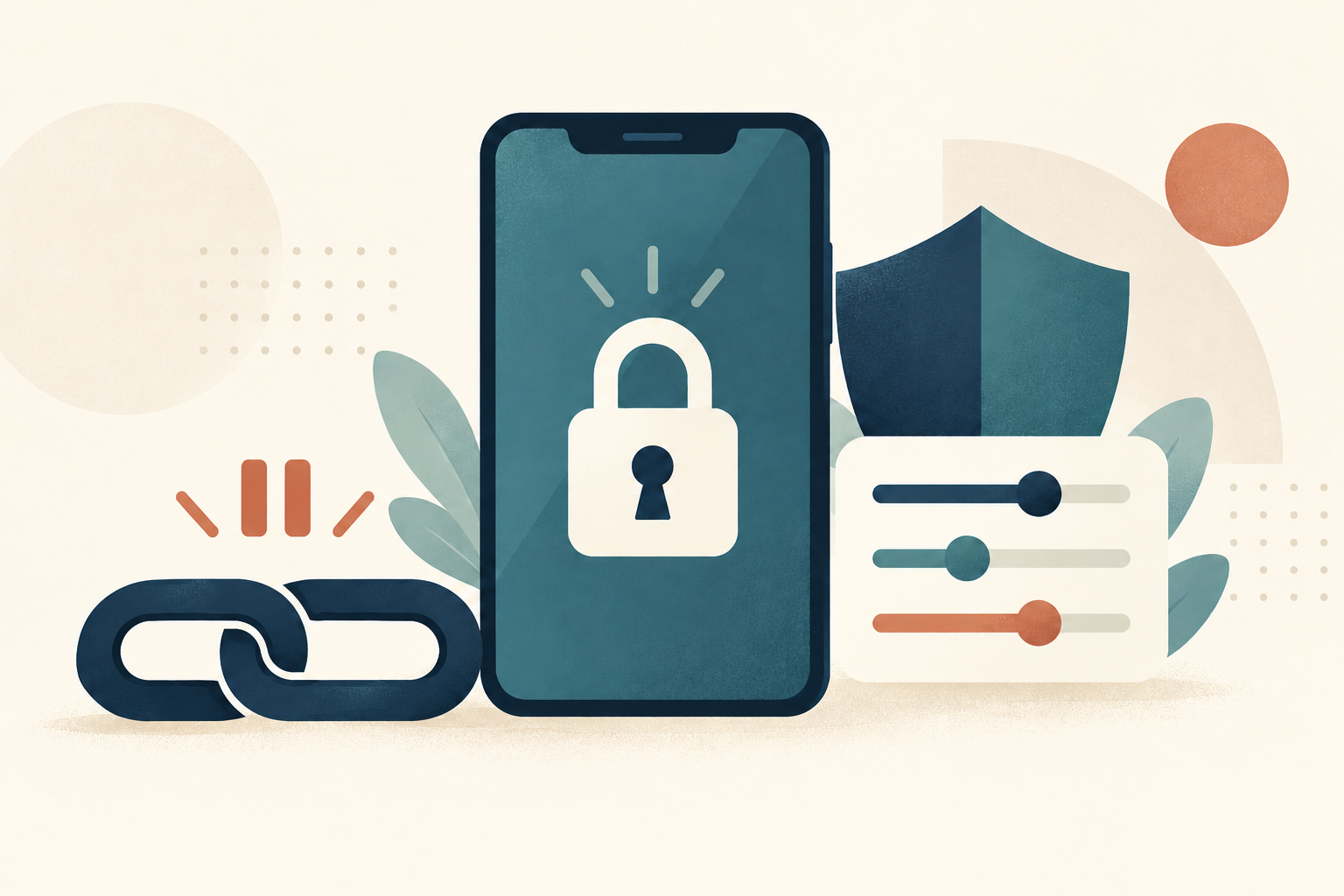
Online conversations can introduce you to people with different interests and experiences. They can also expose you to requests that put your privacy or money at risk. A reassuring profile, a familiar logo or an apparent verification badge should not be treated as a guarantee that a person is safe.
You can take time to decide what to share, which features to use and whether you want to continue a conversation.
Keep personal information under your control
Do not send passwords, sign-in codes, bank details or identity-document copies to an unfamiliar contact. Be cautious about publishing an exact home address, routine or workplace location.
A request for documents is not automatically proof of a scam: some services have official identity or age-verification procedures. Google, for example, describes age verification using a government ID through its signed-in account process. Check a request by opening the official app or website yourself, reading why the information is needed and how it will be handled, and using only that service's verified process. A stranger's message or link is not that process. Google Account Help
Pause when a request creates pressure
Warning signs can include urgent financial requests, a rapidly declared relationship followed by requests for help, or explanations that repeatedly prevent meeting in person. The FTC describes scams involving supposed medical, travel or visa emergencies and demands for gift cards, transfers or cryptocurrency.
Do not send money or gifts to someone you have not met in person. Pause the exchange and discuss an unexpected request with someone you trust. FTC: What To Know About Romance Scams
One behaviour on its own does not prove someone's intentions. For example, a person may have an ordinary reason to decline a video call. Look at the request, the pressure being applied and the information you can independently check.
Examine a platform's actual safety features
Before joining, look for clear privacy settings, contact controls, blocking and reporting tools, and an understandable privacy policy. Check what a verification feature actually confirms. Photo matching is different from confirming every claim in a profile, and moderation cannot guarantee that every interaction will be safe. eSafety Commissioner: Online dating
This guide does not certify or recommend a particular platform.
Use boundaries and reporting tools
You can decline a request, stop replying or block a contact. If you suspect fraud, retain relevant messages safely and report the account to the service. If you have already paid, contact the payment provider or your bank promptly. The FTC's reporting guidance is for the United States; use the appropriate reporting channels where you live. FTC reporting guidance
For a general question about these materials, contact Artem. Artem handles enquiries personally, free of charge, according to available capacity. Submitting the contact form does not by itself create a contractual relationship or an entitlement to a particular service, outcome, or response time.
Related materials: intercultural communication and creating an authentic profile. Return to the intercultural communication program.